Life360
Fake your Life360 location on Android without getting caught
Life360 checks for fake GPS. A free mock location app gets flagged. GPS Spoofer’s Full edition hides the mock flag so Life360 sees a real GPS fix at whatever location you set. $10 once, no root, no monthly fee.
How Life360 detects fake GPS
Life360 reads your phone’s location and shares it with your circle. When it receives a location, it can check for spoofing in several ways:
- Mock location flag. Android marks every location from a mock location app:
Location.isMock()returns true. Life360 can read this flag and detect that the location is faked. This is the primary detection method. - Developer Options and mock location setting. Apps can check whether Developer Options are enabled and whether a mock location app is set. Even if the location flag is clean, these settings can reveal that spoofing is active.
- Battery and movement patterns. Life360 runs in the background and tracks movement over time. A location that jumps from one city to another instantly, or a phone that never moves at all for hours, can look suspicious compared to normal GPS behavior.
A free fake-GPS app from the Play Store sets the coordinates you want, but it leaves the mock flag visible. Life360 can read that flag and know the location is fake.
Why free fake GPS apps get caught
When you set a mock location app in Developer Options and press play:
- Android overrides your GPS coordinates — this part works.
- Android tags every location with
isMock() == true— this is what gives you away. - Developer Options and the mock location setting stay visible to any app that checks.
Life360 reads the flag. The coordinates are right, but the flag says mock. That is why free apps like Fake GPS Location, Mock Locations, or FakeGPS Free get detected.
How GPS Spoofer hides it from Life360
GPS Spoofer’s Full edition ($10, one-time) removes the mock flag before Life360 sees the location. It includes three methods, all without root:
- Container mode (recommended for Life360) — runs Life360 inside a container app. The container intercepts the location and hands it to Life360 without the mock flag. No patching, Google login works, and your normal Life360 install is untouched.
- Hide from Apps — patches Life360’s APK so its
isMock()check returns false. You uninstall the original Life360 and install the patched copy. - ADB stealth — a one-time setup from a computer that hides Developer Options and the mock location setting from apps. Combine it with Container mode or Hide from Apps for maximum stealth.
Why Container mode is best for Life360
Life360 is a location sharing app, not a game. It does not use Google’s Play Integrity API to verify that your phone is unmodified, so you do not need to patch the APK. Container mode is simpler:
- No uninstalling and reinstalling Life360.
- Google Sign-In works inside the container.
- You can keep your normal Life360 on the phone for when you want real location sharing.
- No changed APK signature that an update could break.
The tradeoff: Life360’s data inside the container is separate from a normal install, so you log in again inside the container.
Step by step: fake Life360 location with GPS Spoofer
- Buy GPS Spoofer Full ($10). Your download link arrives by email. Install the APK.
- Open GPS Spoofer and follow its two setup steps: turn on Developer Options, then select GPS Spoofer as the mock location app.
- Open Container Mode in GPS Spoofer’s settings. Install the container app (one tap).
- Open the container and install Life360 inside it. Log in to your Life360 account.
- In GPS Spoofer, pick the location you want on the globe and tap Spoof Here.
- Open Life360 inside the container. Your circle will see you at the spoofed location.
For extra stealth, also set up ADB stealth (one-time, from a computer) to hide Developer Options from Life360:
adb shell pm grant com.gpspoofer.app android.permission.WRITE_SECURE_SETTINGSGPS Spoofer vs. other methods
| GPS Spoofer Full | Free fake GPS apps | Turning off location | Airplane mode | |
|---|---|---|---|---|
| Price | $10 once | Free | Free | Free |
| Hides mock flag | Yes | No | N/A | N/A |
| Life360 shows a location | Yes (your chosen spot) | Yes (but flagged as mock) | No (“Location off”) | No (offline) |
| Visible to circle | Looks normal | May be flagged | “Location off” is visible | You disappear |
| Root needed | No | No | No | No |
Tips to avoid suspicion
- Do not teleport. If you are at home and suddenly appear 200 miles away, the jump is visible in your Life360 timeline. Change your location gradually, or only spoof when you have been “offline” long enough for a real trip.
- Move realistically. GPS Spoofer has a joystick and speed control. Use walking or driving speed at the spoofed location so your dot moves naturally on the map.
- Battery level. Life360 can see battery percentage. If your battery drains at a rate that does not match your supposed activity, it could look odd. This is not a detection you can hide with software — just be aware of it.
- Wi-Fi networks. If Life360 sees you connected to a Wi-Fi network that is in a different city from your GPS, that is a contradiction. Disconnect from Wi-Fi while spoofing, or spoof to a location near your actual Wi-Fi.
Screenshots
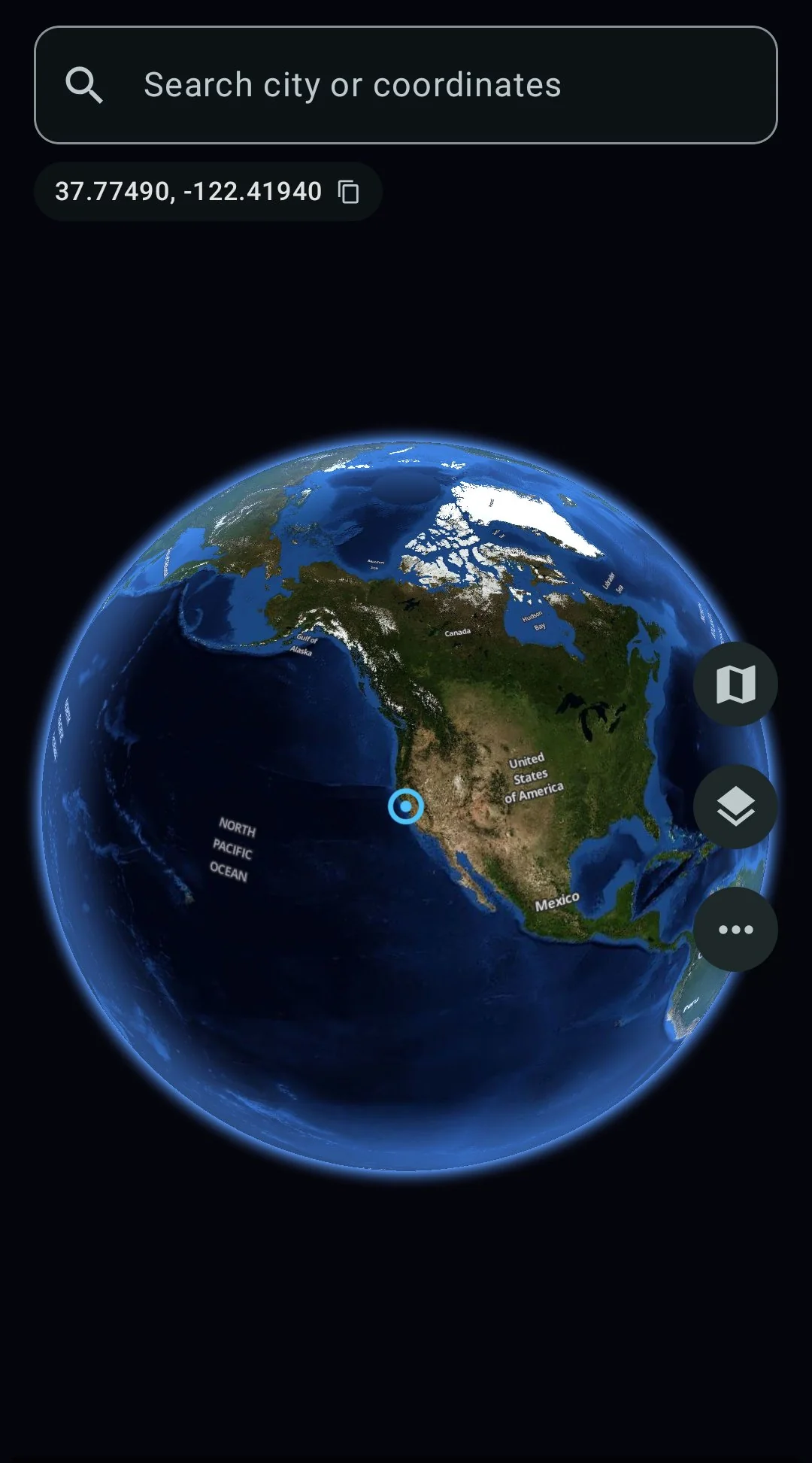
Spin the globe, search any city
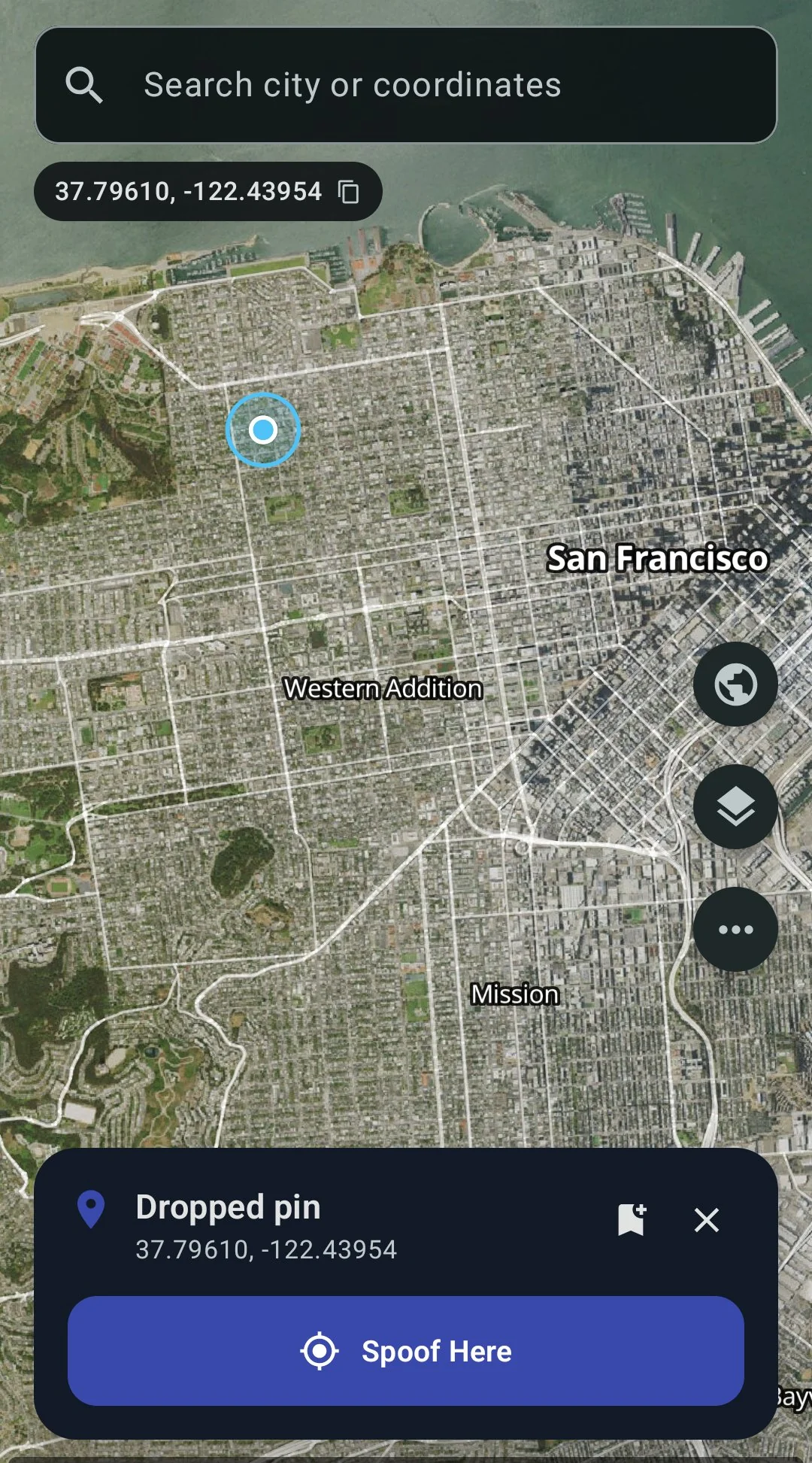
Tap anywhere, hit Spoof Here
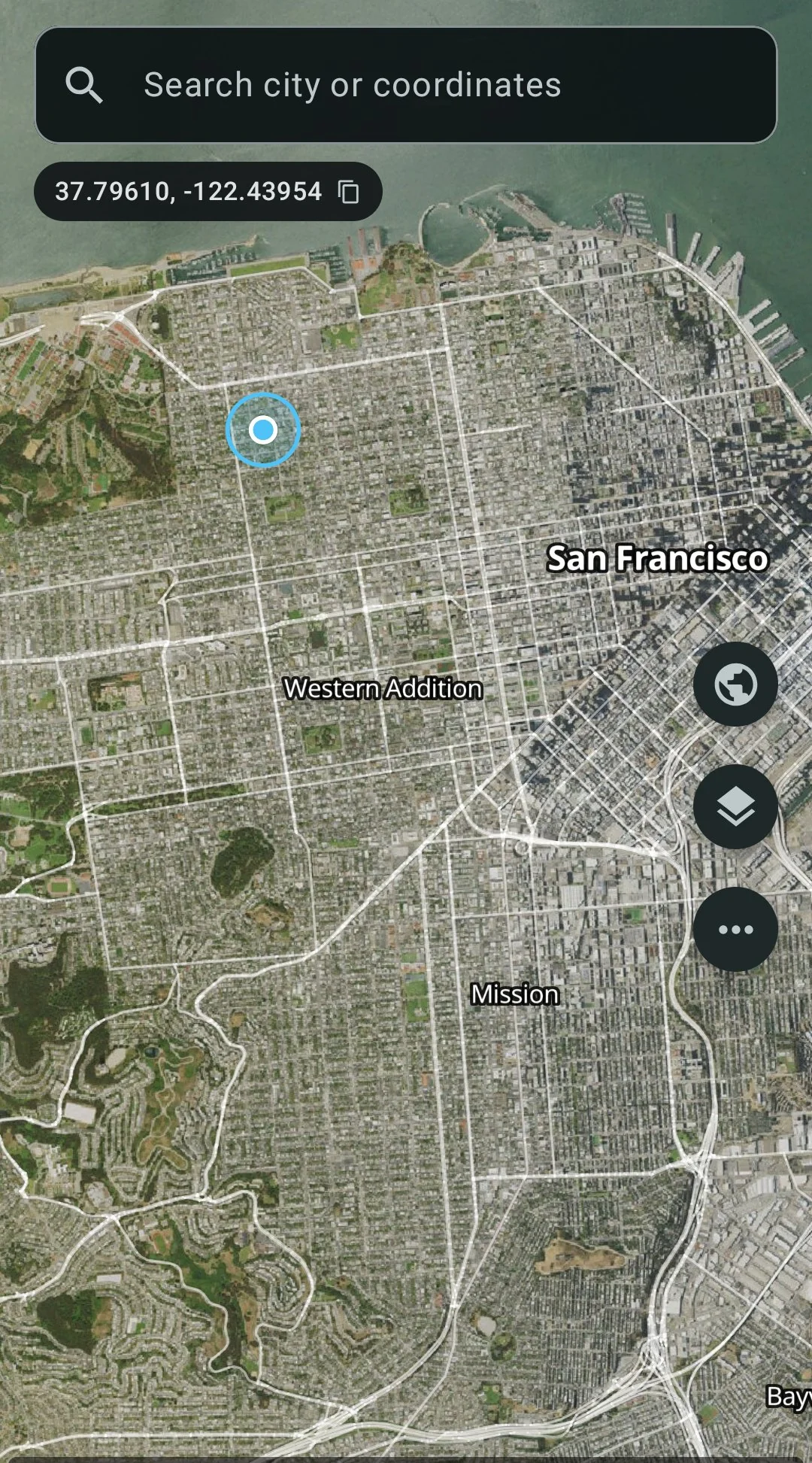
Satellite + street overlay
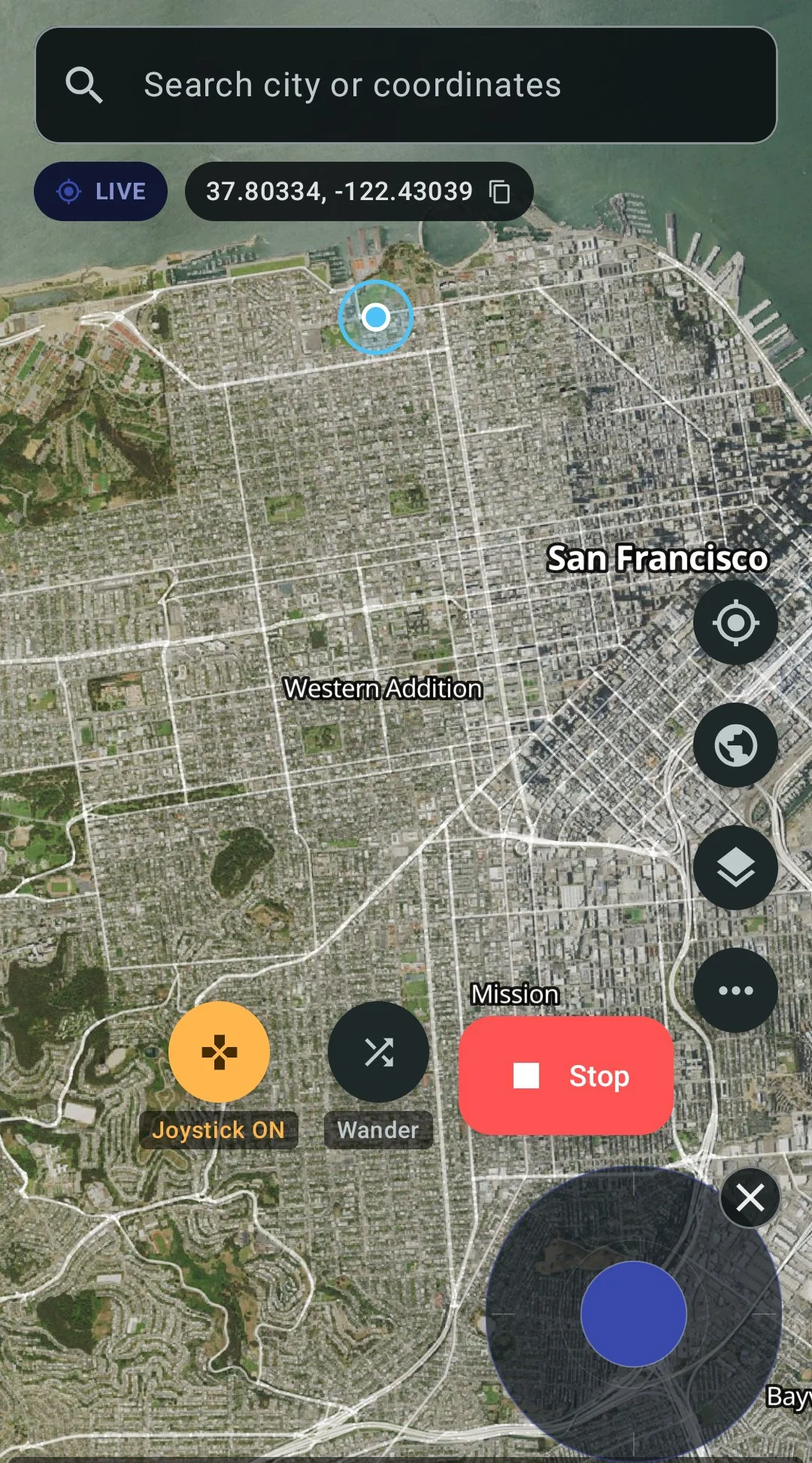
Live spoofing with joystick
The risks, plainly
Life360’s Terms of Service require you to provide accurate information and not to “interfere with the proper functioning” of the service. Faking your location violates those terms. Life360 could suspend your account.
Beyond the terms: if your circle members are tracking your location for safety reasons, faking it removes that safety net. The choice is yours, but the consequences are real and go beyond just an account ban.
FAQ
- Does this work on Android 14, 15, 16, and 17?
- Yes. GPS Spoofer runs on Android 8 and up, including Android 17 QPR1.
- Do I need to root my phone?
- No. Container mode and Hide from Apps both work without root. ADB stealth needs a one-time computer connection but does not root the phone.
- Can Life360 detect Container mode?
- Container mode does not modify Life360’s APK, so there is no signature change to detect. Life360 would have to specifically check whether it is running inside a container. This is possible in theory, but Life360 does not currently do this.
- Will my circle see that I am using a different phone?
- No. Life360 inside the container runs on the same phone with the same device. It logs into the same account. Your circle sees your normal name and photo at the spoofed location.
- What happens when Life360 updates?
- If you used Container mode, updates work normally inside the container. If you used Hide from Apps (patching), you need to re-patch after an update because the Play Store cannot update a patched app (the signature is different).
- Can I switch between real and fake location?
- Yes. Stop spoofing in GPS Spoofer and your phone goes back to real GPS. If you use Container mode, open Life360 inside the container for spoofed location, or open your normal Life360 install for real location.
- What is the difference between the Play and Full edition?
- The Play edition ($4.99 on Google Play) has the joystick, routes, and speed control but does not hide mock location. Life360 can detect it. The Full edition ($10) hides the mock flag, which is what you need for Life360.
GPS Spoofer — $10 once, no root, hides from Life360
Works with other apps too
The same app and the same $10 covers every app on your phone:
- GPS Spoofer main page — features, pricing, and download
- Pokemon GO spoofing guide
- Change your Tinder location
- Change your Bumble location
- Best fake GPS app for Android 2026 — full comparison