Android mock location
How to hide mock location from apps on Android
You have a fake GPS app. It sets your coordinates. But apps still catch you because Android marks every mock location with a flag any app can read. GPS Spoofer’s Full edition strips that flag before the target app sees it — no root, no Magisk, $10 once.
Why apps detect your fake GPS
When you set a mock location app in Developer Options, Android does exactly what you ask: it overrides the GPS coordinates. But it also tags every location with a mock flag. Apps read this flag in two ways:
Location.isMock()— Android 12+ (API 31). Returnstruefor any location from a mock provider.Location.isFromMockProvider()— older API, same thing. Returnstrue.Location.getExtras()— the Bundle can contain amockProviderkey and anisMockboolean.
Any app on the phone can call these methods. Pokemon GO, Tinder, Bumble, Life360, Grindr, work check-in apps — they all can read the flag. A free fake-GPS app sets the right coordinates, but the flag gives it away.
Hiding mock location means intercepting these calls so they return false, and removing the mock entries from the extras bundle. That is what GPS Spoofer’s Full edition does.
Three ways GPS Spoofer hides mock location (no root)
1. Hide from Apps (LSPatch patching)
GPS Spoofer patches the target app’s APK using LSPatch. It embeds a module directly into the app that hooks isMock(), isFromMockProvider(), and getExtras() so they report the location as real. The hooks run inside the target app’s own process — no system-level framework needed.
How it works, step by step:
- Open GPS Spoofer, go to Hide from Apps.
- Tap the app you want to hide from (it lists installed apps it recognizes: Pokemon GO, Tinder, Bumble, Hinge, Life360, Grindr).
- GPS Spoofer extracts the app’s APK, patches it with the mock location hider module, and signs it with its own key.
- You uninstall the original app (required because the signature changed).
- You install the patched copy and log in again.
Tradeoff: Google Sign-In will not work in a patched app because Google checks the APK signature. Switch to phone number, email, Facebook, or Apple login before patching. If you need Google login, use Container mode instead.
2. Container mode
Runs the target app inside a container app on your phone. The container intercepts the location before the app sees it and hands it over without the mock flag. No patching, no APK modification.
How to use it:
- Open GPS Spoofer, scroll down to Container Mode in settings.
- Install the container app (one tap from GPS Spoofer).
- Open the container, install the target app inside it.
- Start spoofing in GPS Spoofer, then open the target app inside the container.
Tradeoff: The app’s data inside the container is separate from a normal install. You log in separately. Google Sign-In works inside the container.
3. ADB stealth
A one-time setup from a computer. You connect your phone via USB, run one ADB command, and GPS Spoofer can then hide Developer Options and the mock location setting from apps that check for them.
The command:
adb shell pm grant com.gpspoofer.app android.permission.WRITE_SECURE_SETTINGSThis grants GPS Spoofer the WRITE_SECURE_SETTINGS permission, which lets it clear the mock location setting and hide Developer Options from other apps. It does not root your phone and only needs to be done once.
What it hides: The mock_location setting and the development_settings_enabled flag. Some apps check these settings directly to detect spoofing even without reading the location flag itself.
GPS Spoofer vs. root-based methods
| GPS Spoofer Full | Magisk + Xposed | Magisk + Zygisk module | System app (root) | |
|---|---|---|---|---|
| Root needed | No | Yes | Yes | Yes |
| Price | $10 once | Free (if rooted) | Free (if rooted) | Free (if rooted) |
| Hides isMock() | Yes | Yes | Yes | Yes |
| Per-app or all apps | Per app (patch/container) or all (ADB) | All apps | All apps | All apps |
| Passes Play Integrity | Yes | Depends on setup | Depends on setup | No (modifies system) |
| Voids warranty | No | Yes (unlocked bootloader) | Yes (unlocked bootloader) | Yes |
| Setup time | 5 minutes | Hours (root + framework) | Hours (root + Magisk) | Hours |
If your phone is already rooted with Magisk and Zygisk, GPS Spoofer’s Full edition includes an optional Zygisk module you can install with one tap. It hides mock location from every app at the system level, no per-app patching needed.
Which method to use
- Games that check Play Integrity (Pokemon GO) — use Hide from Apps. The patched game passes Play Integrity because the system partition is untouched.
- Tracking apps (Life360) — Container mode is simplest. No Play Integrity check, no patching, Google login works.
- Dating apps (Tinder, Bumble, Hinge, Grindr) — Hide from Apps or Container mode both work. If you log in with Google, use Container mode.
- Maximum stealth — use all three: ADB stealth to hide Developer Options, plus Hide from Apps or Container mode to hide the mock flag itself.
Screenshots
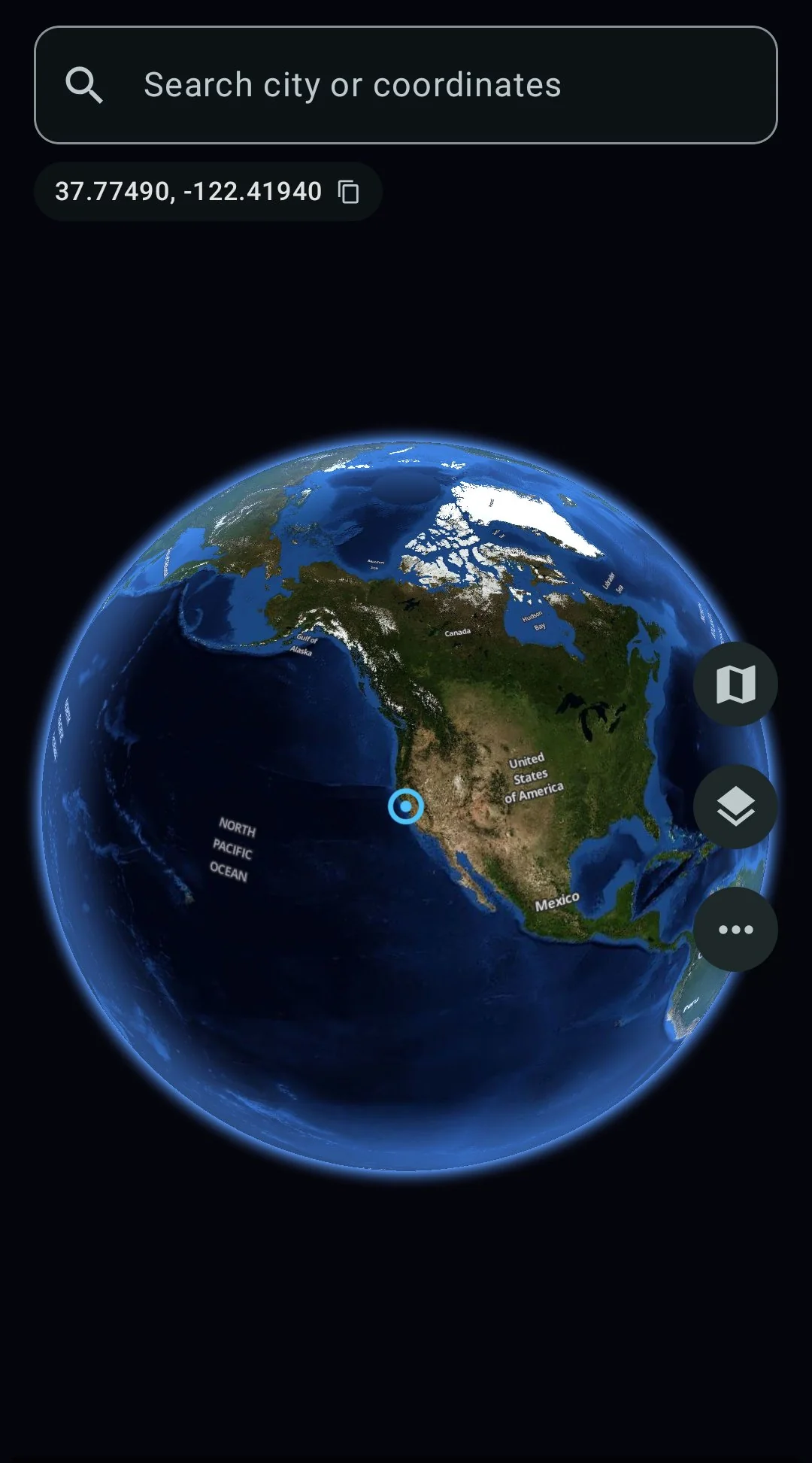
Spin the globe, search any city
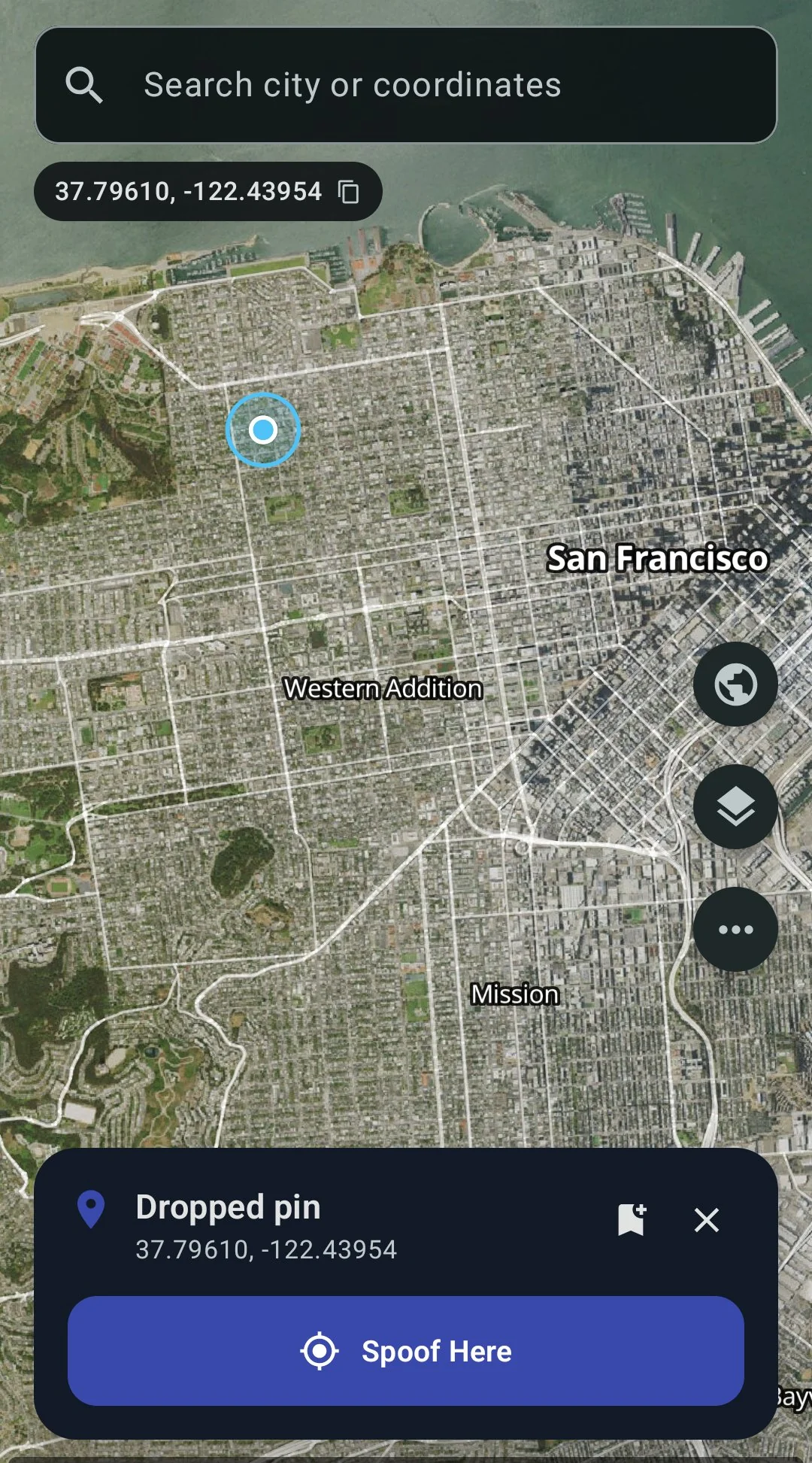
Tap anywhere, hit Spoof Here
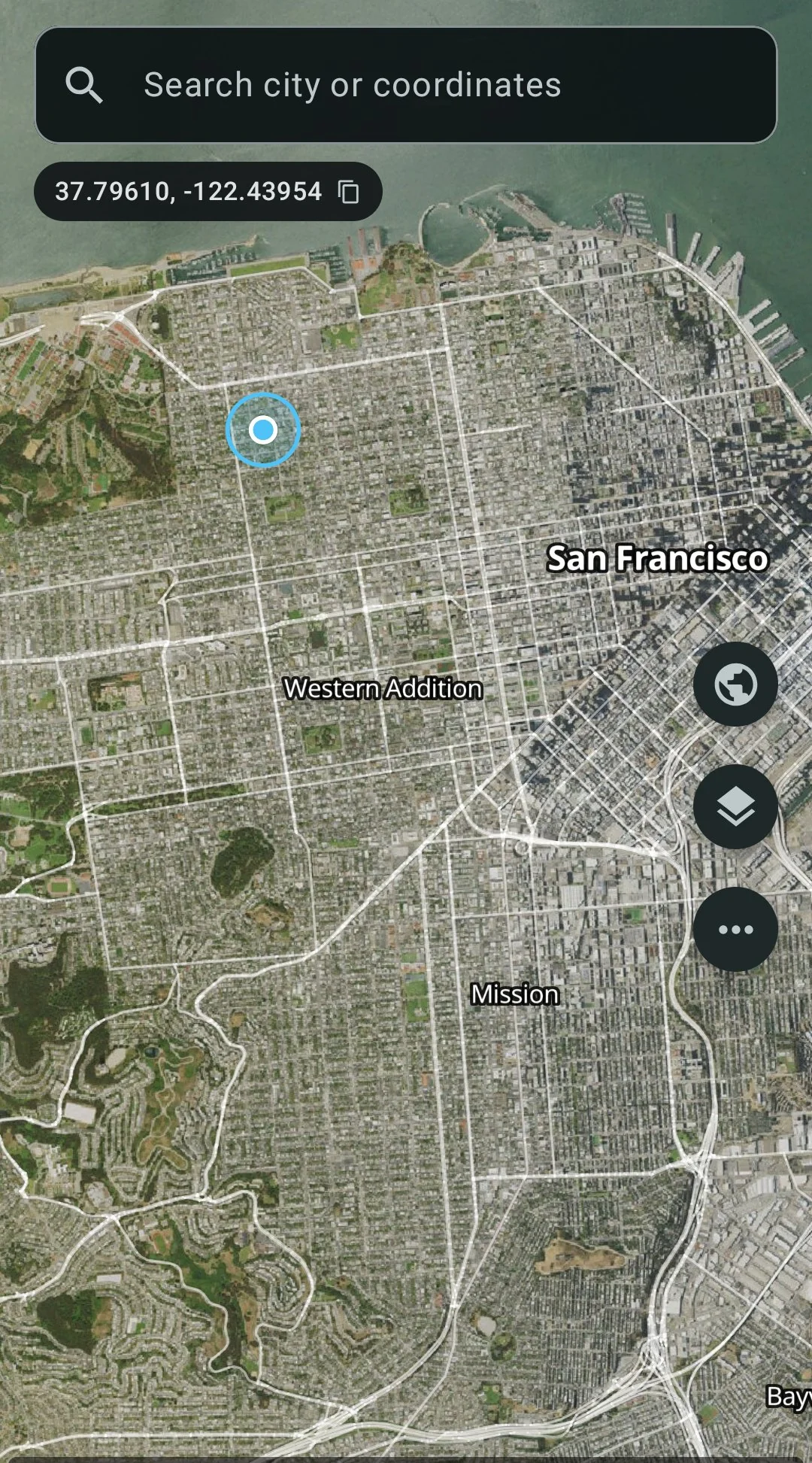
Satellite + street overlay
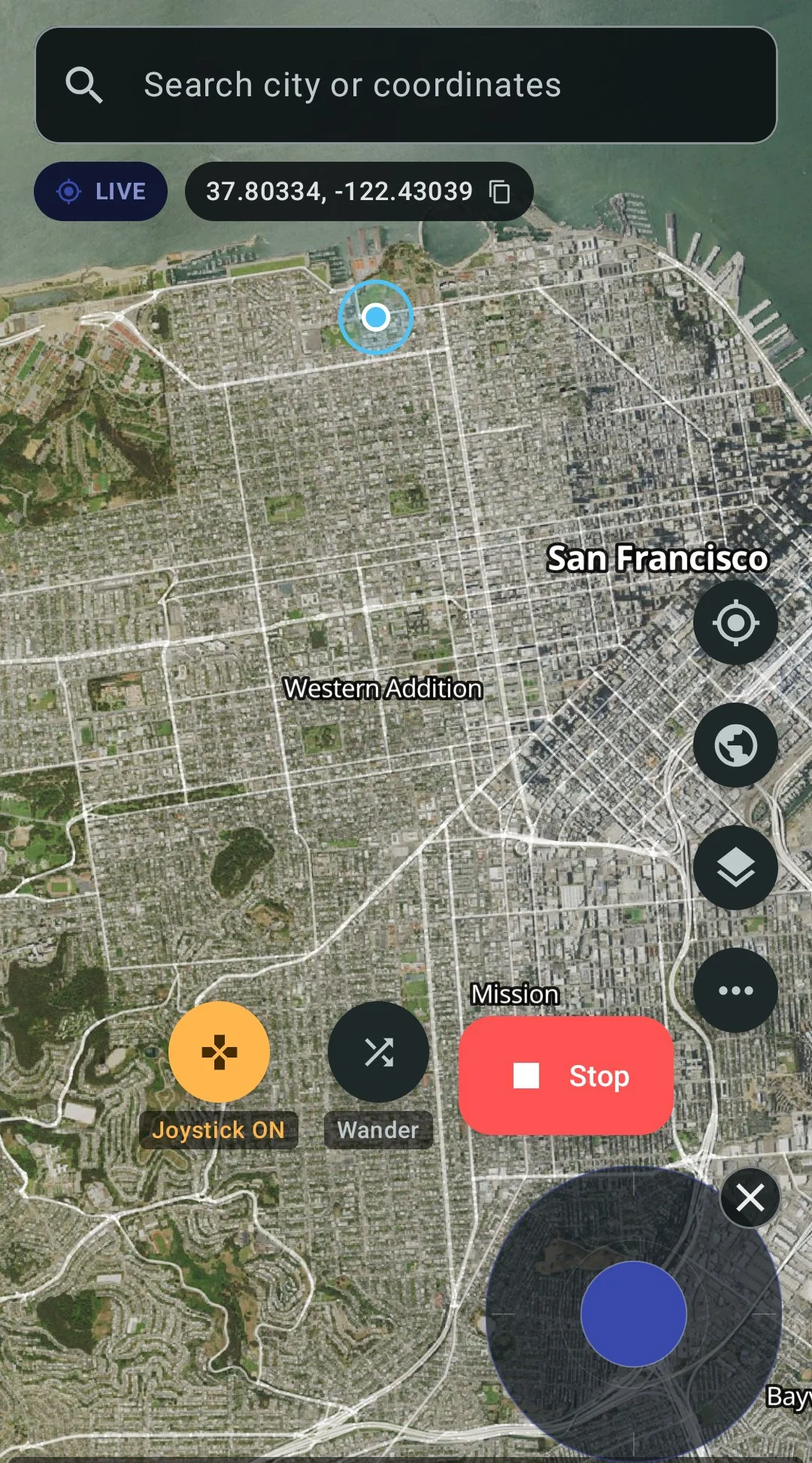
Live spoofing with joystick
FAQ
- Does this work on Android 14, 15, 16, and 17?
- Yes. GPS Spoofer runs on Android 8 and up, including Android 17 QPR1 on Pixel phones.
- Do I need root?
- No. All three methods — Hide from Apps, Container mode, and ADB stealth — work without root. If your phone is rooted with Magisk and Zygisk, there is an optional module that hides mock location from all apps at once.
- Does Google login work in patched apps?
- No. Patching changes the APK signature. Google Sign-In checks that signature and rejects it. Switch to phone number, email, or another login method before patching. Google login works inside Container mode.
- Does this pass Play Integrity?
- Yes. None of the three methods modify the system partition or require an unlocked bootloader, so Play Integrity checks pass.
- What is the difference between Full and Play edition?
- The Play edition ($4.99 on Google Play) spoofs your GPS coordinates but does not hide the mock flag. Apps that check
isMock()will still see the fake. The Full edition ($10) hides the flag — that is what this page is about. - How is this different from using Xposed Framework?
- Traditional Xposed requires a rooted phone with the Xposed Framework installed system-wide. GPS Spoofer uses LSPatch to embed the module directly into the target app’s APK, so it runs without root and without any system-level framework installed. The hooks are the same (intercepting
isMock()and friends); the delivery method does not need root. - Can apps detect that they have been patched?
- Patching changes the APK signature. An app could check its own signature and detect the change. In practice, most apps do not do this — but some might in the future. Container mode avoids this because it does not modify the app’s APK.
GPS Spoofer — $10 once, no root, hides mock location
Per-app guides
- GPS Spoofer main page — features, pricing, and download
- Pokemon GO spoofing guide — hides mock flag and passes Play Integrity
- Change your Tinder location — appear local without Passport
- Change your Bumble location — no Travel Mode badge
- Best fake GPS app for Android 2026 — full comparison